
Top Photo to Speech AI Tools for Content Creators
by Northern Life
AI tools make it easy to generate compelling speech videos from still images.
Bringing still images to life with voice has become a powerful tool for creators. Whether you’re making engaging explainer videos, character-driven narratives, or interactive content, the ability to animate a photo with speech can save hours of production time. And thanks to advances in AI, today’s tools let you turn a static portrait into a speaking, expressive video with minimal effort.
In this post, I’ll walk through the best platforms that let you do just that—each photo to speech AI tool listed here has been tested for realism, ease of use, and creator-friendly features.
Best AI Tools to Turn Photos Into Speech Videos (At a Glance)
| Tool | Best For | Input Types | Output | Free Plan | Platforms |
| MagicHour AI | Realistic talking photo content | Image + text/audio | Video (MP4) | Yes | Web |
| D-ID | Fast multilingual speech animation | Image + audio/text | Video | Yes (limited) | Web, API |
| HeyGen | Personalised avatar storytelling | Image + script | Video | Trial only | Web |
| TokkingHeads | Fun and quick voice-based animations | Image + emoji/audio | MP4/GIF | Yes | iOS, Android |
| Wombo AI | Meme-style singing and talking faces | Image + preset voice | Video | Yes | Mobile only |
MagicHour AI
MagicHour AI leads the pack when it comes to lifelike talking photo videos. Upload a photo, enter a script or audio file, and the system generates a high-resolution video where the image speaks—complete with natural lip-sync and facial expressions.
It’s ideal for content creators making character videos, voice-led explainers, or short-form storytelling for social media.
Pros:
- Realistic lip-sync and emotion mapping
- Supports voice uploads or AI-generated speech
- Multiple languages and accents available
- Commercial use allowed on paid tiers
Cons:
- Best performance requires high-res photos
- Custom avatar training is not yet available
If you need a photo-to-speech AI tool that balances realism with ease of use, MagicHour AI is the top pick for creators.
Price: Free plan available; Pro starts at $14/month
D-ID
D-ID is a well-known platform that supports both photo animation and avatar-based speech generation. It handles uploaded audio or script-based input, and the lip-sync is impressively accurate in multiple languages.
You can use it for customer support avatars, educational content, or interactive videos.
Pros:
- Multilingual support
- Fast rendering
- Available API for developers
Cons:
- Free plan limits usage
- Less natural expressiveness than MagicHour
Ideal for developers and businesses requiring speed and multi-language support.
Price: Free limited plan; Paid from $5.99/month
HeyGen
HeyGen offers high-end avatar creation and also supports photo-based talking head generation. It’s geared toward professionals who need branded, personalised video messages.
The platform includes custom avatars, voice cloning, and script-based video generation.
Pros:
- Realistic avatars and expressions
- Voice cloning and translation
- Business-friendly templates
Cons:
- Expensive for solo creators
- Watermarked outputs on the free plan
Ideal for creators requiring custom, high-volume messaging solutions.
Price: Trial available; Paid starts at $24/month
TokkingHeads
TokkingHeads is designed for fast, mobile-first animation. It supports simple image uploads and animates them using emojis, voices, or pre-made gestures. It’s not hyper-realistic, but it’s fun, fast, and ideal for social platforms.
Pros:
- Quick and easy mobile workflow
- Suitable for casual creators and meme videos
- Free to use
Cons:
- Limited realism
- Not designed for professional or long-form videos
Great for TikTok, Instagram Reels, and meme creators.
Price: Free with optional upgrades
Wombo AI
Wombo lets you animate photos to talk or sing using preset voices. While it’s mainly a novelty app, it can be surprisingly engaging for short entertainment-style content.
Pros:
- Fun preset voices
- Very easy to use
- No signup needed
Cons:
- No voice upload or script control
- Not suitable for professional use
Best for viral, lighthearted content.
Price: Free; Pro tier unlocks more content
How I Tested These Tools

I uploaded the same portrait image to each tool and ran two tests:
- AI-generated voice reading a short script
- Uploaded voice file with natural pacing
Each output was scored for:
- Lip-sync accuracy
- Voice naturalness
- Facial motion realism
- Export quality and watermarking
- Creator workflow friendliness
Trends in AI Photo to Speech Tools (As of July 2025)
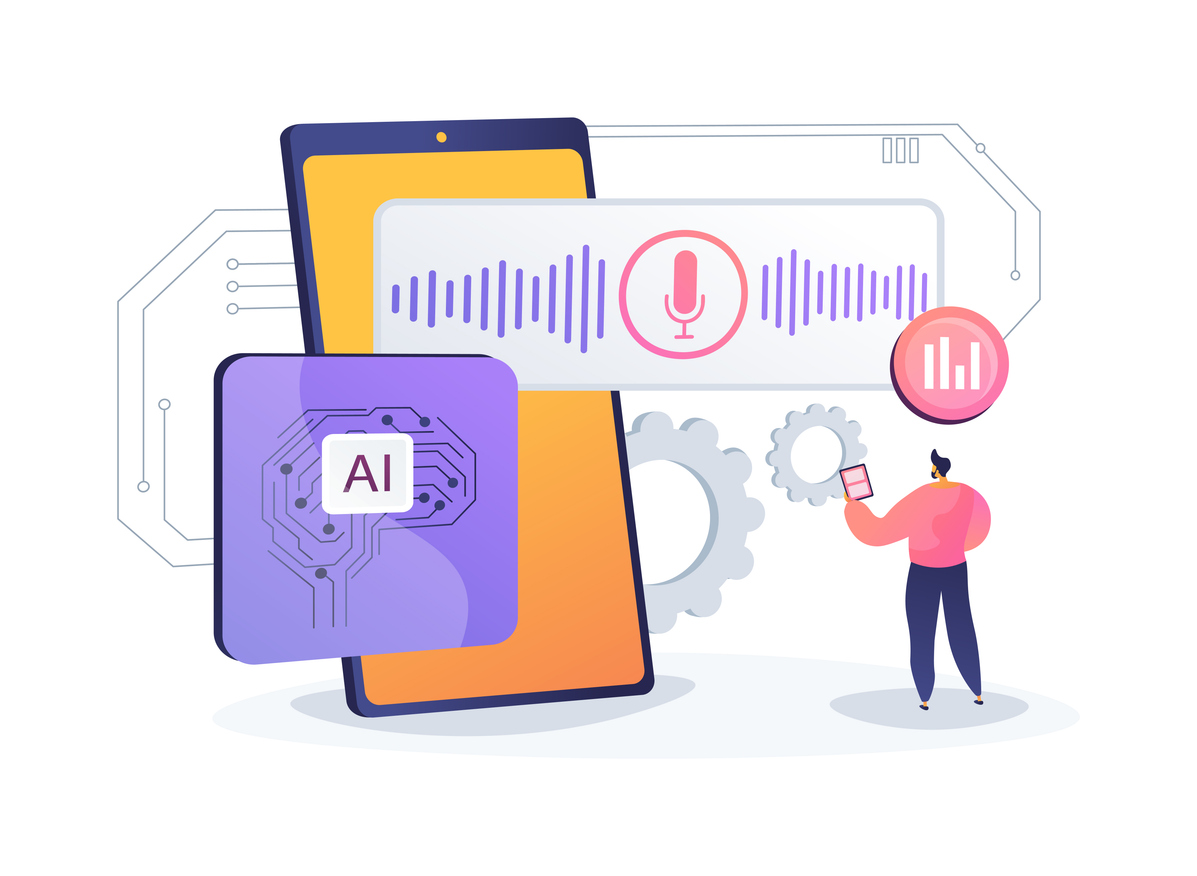
- Realism is improving fast: Tools like MagicHour are narrowing the gap between synthetic and human-like performance.
- Voice cloning and personalisation are in demand for creators looking to build character IPs.
- API integrations are growing for automation in creator pipelines and apps.
We’re also seeing greater integration with text-to-speech engines, translation models, and motion control tools.
Final Takeaway

- Best for realistic speech animation from photos: MagicHour AI
- Top multilingual face sync: D-ID
- Most customisable for business avatars: HeyGen
- Best mobile app for fun content: TokkingHeads
- Easiest for memes and viral clips: Wombo
Whether you’re creating explainer content or animated characters, these AI tools make it easy to generate compelling speech videos from still images.
FAQ
- What is a photo-to-speech AI tool?
It’s a platform that animates a still photo to speak using AI-generated or uploaded voice, syncing mouth and facial motion. - Can I use these videos commercially?
Yes—tools like MagicHour AI and HeyGen allow commercial use under their paid plans. Always check licensing terms. - Do I need editing skills?
No. These tools are built for creators with no video or animation background. - Which platform gives the most realistic result?
MagicHour AI consistently delivers high-fidelity lip-sync and natural expression. - Are these tools free?
Most offer limited free tiers. MagicHour, TokkingHeads, and D-ID all provide usable features at no cost.
Disclosure: This article includes a paid mention of one or more AI tools. While we were compensated for including specific platforms, we do not receive commissions from clicks, signups, or purchases. All reviews and comparisons reflect independent testing and our editorial opinion. Always review each tool’s terms of use and licensing before using it for commercial purposes.