


Creating a Productive Workspace: Essential Tips for Remote Workers
by Northern Life
The shift towards remote and hybrid working has fundamentally transformed how we approach our home environments. What once served purely as living spaces now double as professional offices, requiring thoughtful planning to balance functionality with comfort. A well-designed workspace doesn’t simply accommodate work—it actively enhances productivity, supports physical wellbeing, and maintains the crucial boundaries between professional and personal life.
Why Your Workspace Design Matters
Research consistently demonstrates that physical environments have a significant impact on cognitive performance, creativity, and overall job satisfaction. Poor workspace design contributes to decreased productivity, increased stress, and various physical ailments, including back pain, eye strain, and repetitive strain injuries. Conversely, thoughtfully designed workspaces improve focus, boost motivation, and support sustained performance throughout the working day.
Beyond individual productivity, your workspace influences how colleagues and clients perceive your professionalism during video calls. A cluttered, poorly lit background can undermine credibility, whilst an organised, purposeful setup projects competence and attention to detail.
Establishing Your Ideal Workspace Location

Assessing Available Space
Not everyone possesses a dedicated room for home working, but nearly every home contains potential workspace opportunities. Spare bedrooms offer obvious solutions, though alcoves, under-stairs areas, and corner sections of living rooms can work brilliantly when approached creatively. The key lies in identifying locations offering adequate surface area, reasonable privacy, and sufficient natural light.
Consider traffic patterns within your home. High-traffic areas create constant distractions, whilst isolated locations might feel disconnected and lonely. Strike a balance that provides focus without isolation, particularly important for those living alone who might already feel socially disconnected.
Maximising Limited Space
Compact living situations demand ingenious solutions. Wall-mounted fold-down desks disappear when not needed, whilst corner desks maximise awkward spaces that might otherwise remain unused. Vertical storage utilises wall space, keeping essential items accessible without consuming valuable floor area.
For those requiring flexible arrangements, exploring various home office design ideas can reveal innovative approaches for integrating workspaces into existing living areas without compromising either function.
Ergonomics: The Foundation of Comfortable Working

Selecting Appropriate Furniture
Your chair represents your most critical workspace investment. Quality office chairs supporting proper posture prevent the chronic pain that plagues remote workers, spending hours seated. Look for adjustable height, lumbar support, and armrests that allow your forearms to rest parallel to the floor whilst typing.
Desk height is equally important—your monitor should sit at eye level, requiring your gaze to drop only slightly, while your keyboard should position your wrists straight and relaxed. Many remote workers discover that adjustable standing desks provide a welcome variety, allowing position changes throughout the day that combat sedentary behaviour.
Arranging Your Equipment Properly
Position your monitor approximately arm’s length away, with the top of the screen at or slightly below eye level. Laptops present ergonomic challenges—their integrated keyboards and screens force users into compromising positions. Invest in a separate keyboard and mouse, and elevate your laptop on a stand to achieve the proper screen height.
Keep frequently used items within easy reach, minimising repetitive stretching or twisting. Your phone, notepad, and other essentials should occupy the zone directly surrounding your keyboard and mouse.
Lighting Your Workspace Effectively
Harnessing Natural Light
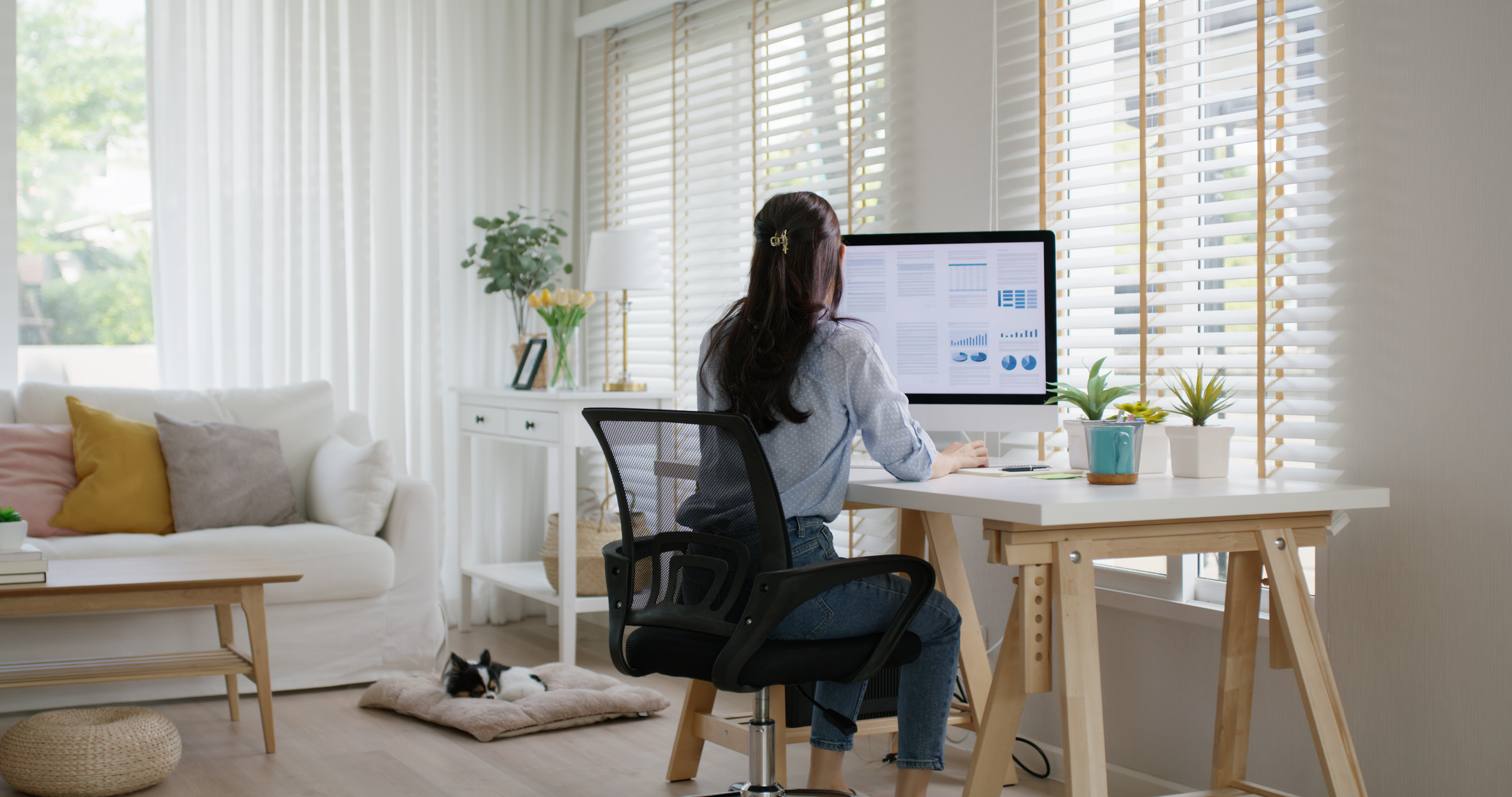
Natural light boosts mood, regulates circadian rhythms, and reduces eye strain compared to artificial alternatives. Position your desk perpendicular to windows when possible, placing the light source to your side rather than behind or in front of you. Light behind creates glare on screens, whilst light in front causes uncomfortable brightness differences between your screen and surroundings.
If window placement creates unavoidable glare, sheer curtains or adjustable blinds allow light control without completely blocking beneficial natural illumination.
Supplementing with Artificial Lighting
Even ideal natural light requires artificial supplementation during evening hours or overcast days. Layered lighting—combining ambient room lighting with focused task lighting—provides flexibility for different activities and times of day. Desk lamps with adjustable arms direct light precisely where needed, whilst warmer colour temperatures (2700-3000K) create comfortable working environments without the harsh clinical feel of cooler lights.
Avoid positioning lights where they reflect off your screen or create shadows across your keyboard. Side placement typically works best for task lighting.
Minimising Distractions and Maintaining Focus
Creating Visual Boundaries
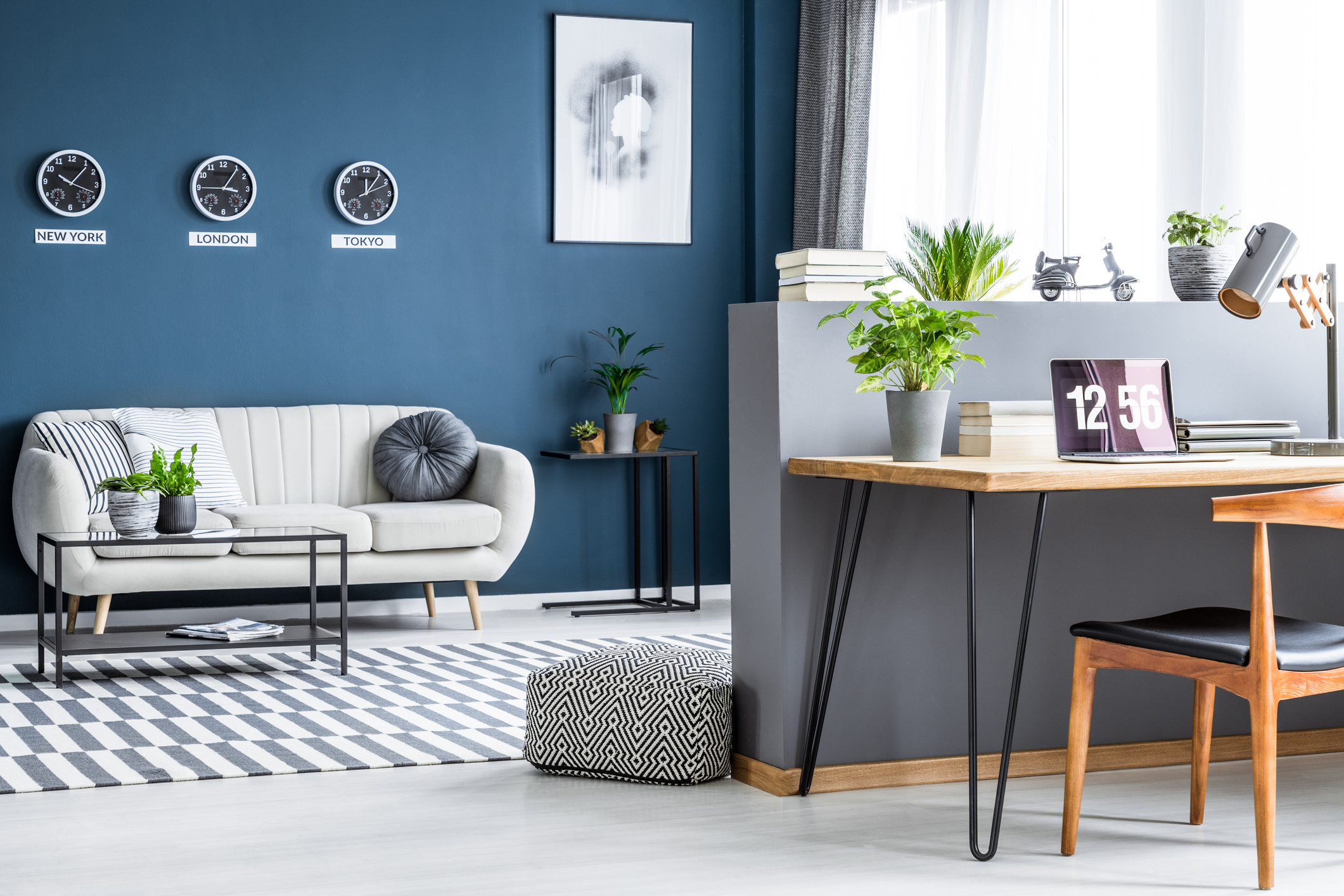
When working within shared living spaces, visual boundaries help establish psychological separation between work and leisure. Room dividers, bookcases, or strategically positioned furniture can delineate workspace boundaries without permanent structural changes. These boundaries signal to both yourself and household members that you’re in “work mode,” deserving minimal interruption.
Facing walls rather than busy rooms reduces visual distractions, though this must balance against feeling isolated or disconnected. Finding your optimal arrangement might require experimentation.
Managing Noise and Acoustics
Household noise presents inevitable challenges for remote workers. Noise-cancelling headphones provide immediate relief, though they’re not suitable for all-day wearing. Soft furnishings—rugs, curtains, and upholstered furniture—absorb sound, reducing echo and creating more pleasant acoustic environments.
For video calls requiring professional audio quality, consider acoustic panels or strategically positioned bookshelves that dampen sound reflections without requiring extensive modifications.
Personalising Your Space for Motivation
Balancing Professionalism with Personality
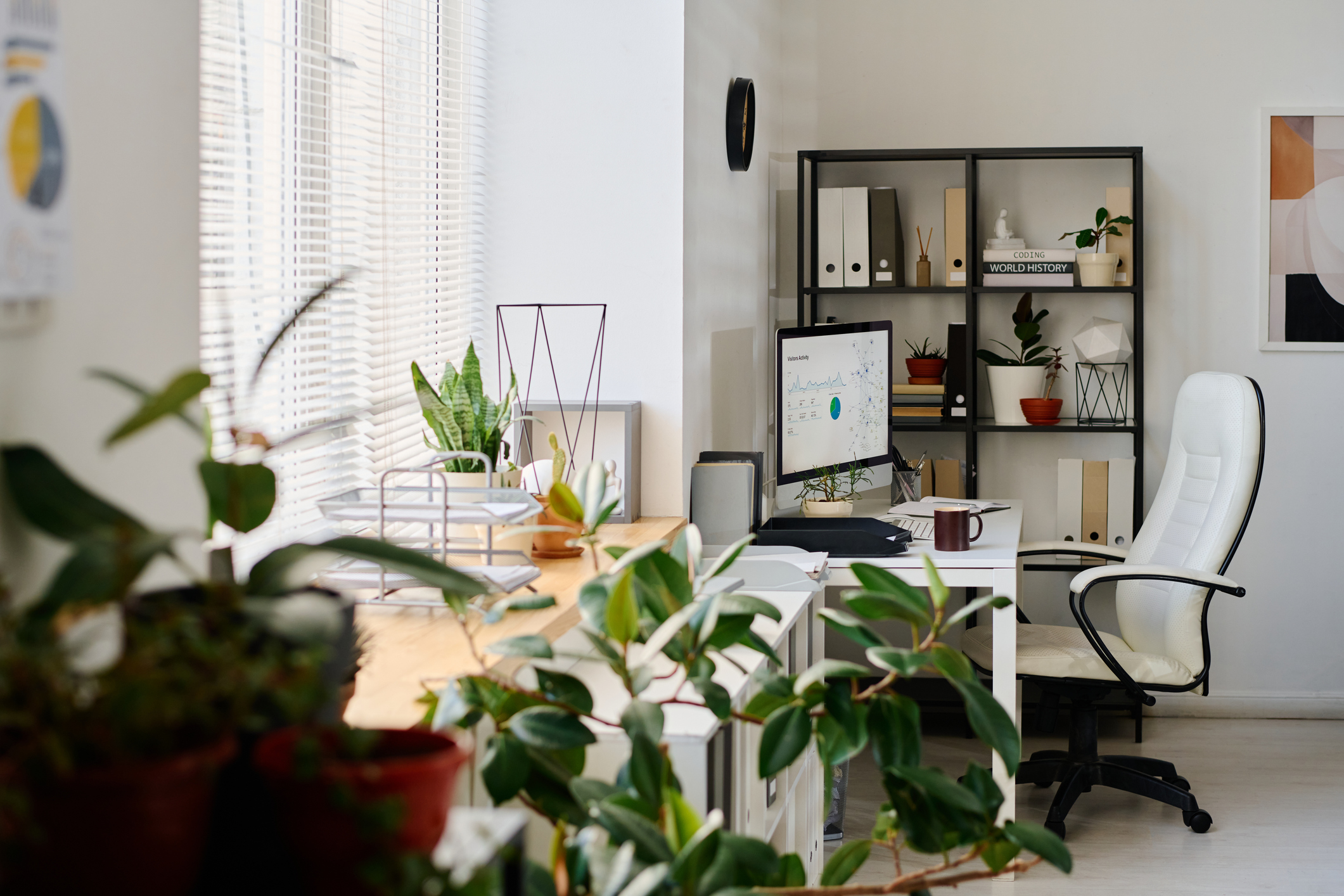
Your workspace should inspire and motivate whilst maintaining appropriate professionalism for video calls. Personal touches—such as photographs, artwork, or plants—make spaces feel inviting and distinctly yours. However, backgrounds visible during calls should remain reasonably neutral and organised.
Plants deserve particular mention—they improve air quality, reduce stress, and add visual interest without overwhelming professional aesthetics. Low-maintenance varieties like pothos, snake plants, or peace lilies thrive in typical office conditions.
Organising for Efficiency
Clutter directly impairs concentration and increases stress. Implement organisational systems that keep essential items accessible whilst maintaining clear surfaces. Drawer organisers, desktop filing systems, and cable management solutions transform chaotic workspaces into streamlined, efficient environments.
Regular decluttering prevents the gradual accumulation of unnecessary items. Schedule monthly reviews, removing outdated materials and reorganising as your needs evolve.
FAQ Section
How much should I budget for a home office setup?
Basic functional setups cost £300-£ 500, including a decent desk, an ergonomic chair, and essential accessories. Mid-range setups (£800-1,200) add quality ergonomic furniture and better technology. Premium setups exceed £2,000, featuring adjustable standing desks, high-end chairs, and comprehensive lighting. Prioritise ergonomic furniture—chronic pain from poor equipment ultimately costs more than initial investments in quality pieces.
Can I claim tax relief for my home office?
UK remote workers can claim tax relief for additional household costs incurred through working from home. HMRC allows simplified flat-rate claims (currently £6 weekly) without requiring detailed records or actual cost claims with supporting evidence. However, you cannot claim items used for both business and personal purposes. Consult HMRC guidance or an accountant for your specific circumstances.
How do I maintain work-life boundaries when working from home?
Physical and temporal boundaries prove essential. Establish consistent working hours and communicate them to household members. Create shutdown rituals—tidying your desk, closing work applications, or literally closing a door—that signal work’s end. Avoid working in bedrooms whenever possible, as this preserves those spaces for rest and maintains psychological separation.
What’s the minimum space needed for an effective home office?
Functional workspaces can fit within surprisingly compact areas. A corner desk occupies roughly 1.5 square metres, whilst wall-mounted fold-down desks require even less. Focus on ensuring an adequate surface area for your computer and essential items (typically 100-120cm in width), comfortable seating, and sufficient depth to position monitors properly (60-80cm). Creativity and smart furniture choices matter more than raw square footage.
Should I invest in soundproofing for video calls?
Full soundproofing proves expensive and is rarely necessary for typical remote work. Instead, focus on acoustic improvements—soft furnishings that absorb sound, positioning away from noisy areas, and quality headsets with noise-cancelling microphones. If you frequently conduct confidential calls or live in particularly noisy environments, acoustic panels (£100-300) provide noticeable improvements without extensive renovations.
Conclusion
Creating an effective home workspace represents an investment in your professional success, physical health, and overall well-being. Whether you’re establishing a dedicated office or carving out a corner within existing living spaces, thoughtful attention to ergonomics, lighting, organisation, and boundaries transforms how you experience remote work. The most successful home offices balance functionality with personality, creating environments where you genuinely want to spend your working hours. As remote and hybrid working continue to shape modern employment, your workspace becomes more than simply where you work—it becomes a crucial tool supporting your productivity, creativity, and professional growth for years to come.